
Fitting
↓ Need extra fitting material? Shop fitting beads ↓
Your custom fit in five steps
Moonstruck FX Teeth are designed to be fitted at home using the included fitting material. Take your time, follow each step and create a fit that feels secure, comfortable and ready for your next transformation.
Before you begin
Always work with clean hands and clean, dry teeth. Please be careful with hot water.
You will need:
- A cup or bowl of hot water
- A spoon
- Your fitting beads
- A bowl of cold water
Important: Moonstruck FX Teeth are costume and performance props, not a medical device. The fitting material is not suitable for braces, crowns, caps or dentures. If you are unsure whether fitting is suitable for you, contact us before continuing.
STEP 1
Adjust the curve

If needed, place the FX Teeth in hot water, around 50°C / 122°F, for about one minute. Once flexible, carefully lift them out with a spoon and place them over your natural teeth.
Gently press and shape the curve until it follows the shape of your smile. Hold the set in place for a few seconds until it begins to firm up again.
TIP
A well-shaped curve improves both comfort and appearance. Keep the FX Teeth straight and aligned before continuing.
STEP 2
Prepare the fitting material

Place the fitting beads in hot water and wait until they turn completely transparent and stick together.
Carefully lift the softened material out with a spoon. Roll it into a soft strip, roughly the length of the inner ridge of your FX Teeth.
If you have used too much material, pinch the excess away while it is still soft.
STEP 3
Apply the fitting material

Lay the soft strip of fitting material across the inner ridge of the FX Teeth, where your natural teeth will sit.
Gently press it into place so the material follows the length of the set. Keep it even and avoid letting material spill over the front edge.
STEP 4
Capture your fit

Place the FX Teeth over your natural teeth. Using both hands, press them firmly into place so the fitting material captures the shape of your teeth. Push any excess material towards the back of the set.
A gentle vacuum in your mouth can help create a more defined imprint. Hold the FX Teeth still while the fitting material begins to harden, then carefully remove the set after a few seconds.
IMPORTANT
Do not let the fitting material fully harden on your natural teeth. It can catch around undercuts and become difficult to remove. If this happens, gently swish warm water around your mouth to soften the material again. If any material remains on your teeth, ask a dentist to remove it.
STEP 5
Check, cool, wear

Check the fitting material for hooks, undercuts or sharp edges that could catch on your natural teeth. Smooth these areas and test the fit again.
Once the fit feels comfortable and there are no undercuts, place the FX Teeth in cold water to finish hardening. You can also let them cool naturally until the fitting material turns white.
Your FX Teeth are ready to wear. They should snap in and out easily. If the fit is not right yet, simply reheat the fitting material and begin again.
Tips & tricks
Only bend after heating.
Never bend the FX Teeth while they are cold.
Keep your teeth clean and dry.
This helps create a more secure grip.
Use only what you need.
Too much fitting material can create excess around the edges and make the fit feel bulkier.
Refine with care.
If an edge needs smoothing, soften that area briefly in hot water before refining it.
A small seam can be normal.
A slight manufacturing seam may occasionally be visible. It does not affect wear.
Store away from heat.
Keep your FX Teeth out of direct sunlight and away from heat to help prevent warping and extend their lifespan.
Need more fitting material?
Extra fitting beads are available here for re-fitting a set, replacing used material or creating a fresh fit for another pair of FX Teeth.
Still need help?
Visit our FAQ or contact us with a clear photo of how your FX Teeth sit. We are happy to help you find the right next step.
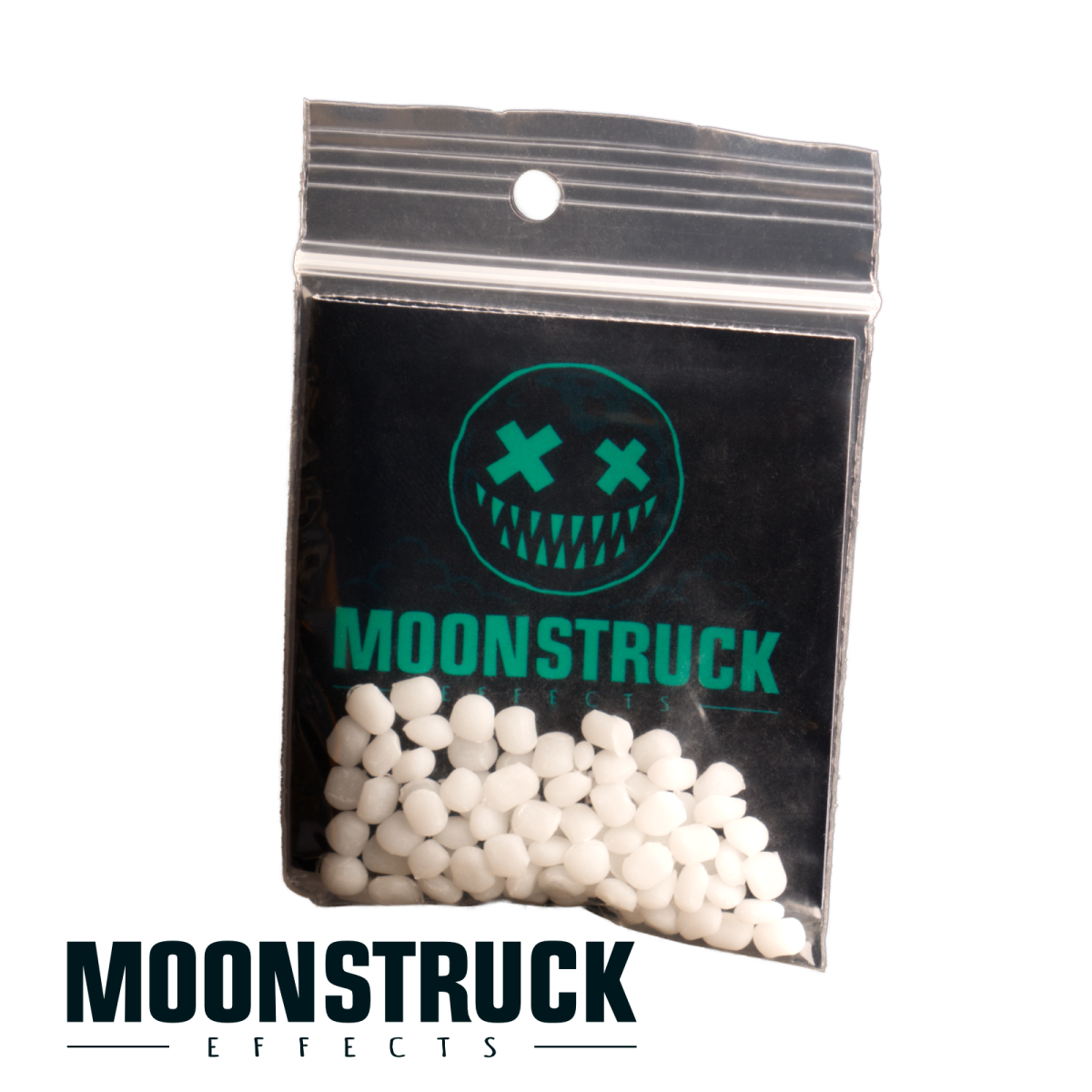
Extra white fitting beads for your Moonstruck FX Teeth. Add material where you need it or keep a spare pack ready for a fresh fitting.
Contents: 1 full-set refit (upper & lower).
The amount needed may vary depending on your individual fit.
White fitting beads are already included with your FX Teeth. Depending on your teeth and the fit you are creating, additional material may be useful.
A little extra, when you need it
- Add more fitting material where needed.
- Replace lost or used fitting material.
- Keep a spare pack for future fittings.
Already fitted? Your existing fitting material can be reheated and reshaped. You only need extra beads when you want to add or replace material.
Follow our Fitting Guide for instructions and suitability information. The amount needed varies depending on your set and individual fit.
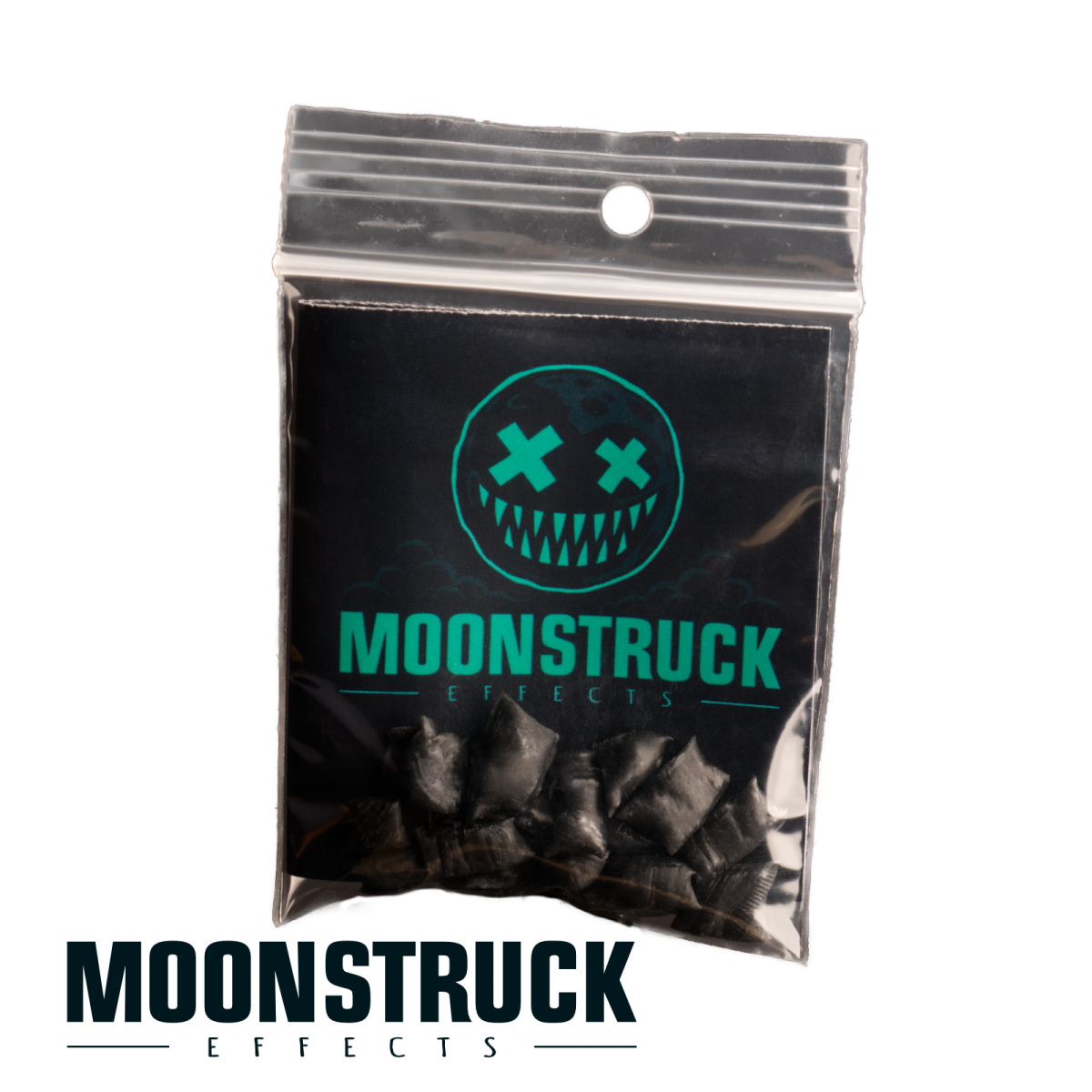
Take the illusion one step further. Black fitting beads create a darker base behind your FX Teeth, helping camouflage visible gaps and bright areas that can distract from the character.
Especially useful for designs with missing teeth or open spaces, where white fitting material could show through.
Made for the illusion
Our black fitting material brings a darker foundation to your Moonstruck transformation. The same purpose, with a different visual effect: less distraction, more character.
An optional addition. White fitting beads are already included with your FX Teeth. Choose black when your character calls for a darker base.
Visit our Fitting Guide for fitting instructions and suitability information.